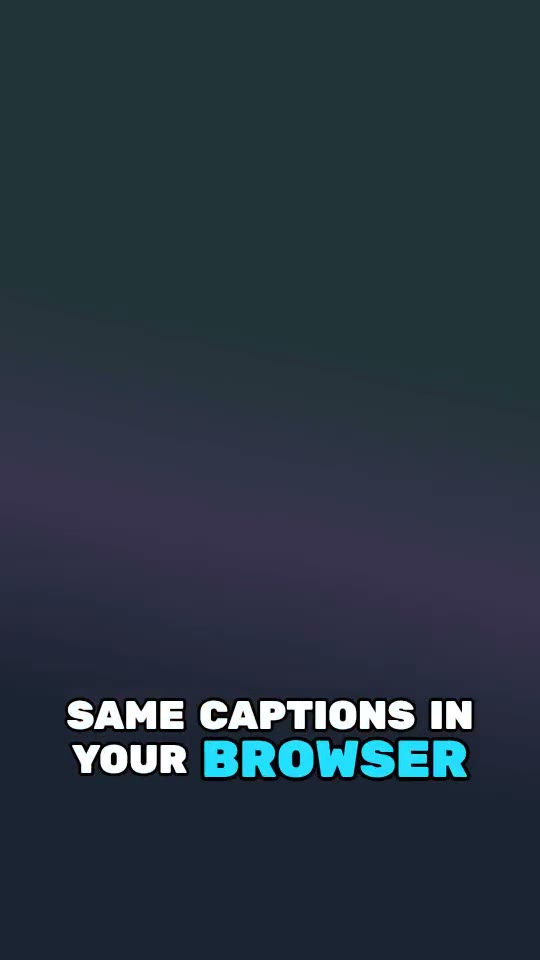
Rendered by the captions.js engine, not a mock-up.
Catchy caption style
Catchy is a free animated caption style for captions.js: Montserrat black in uppercase, the spoken word in #ff5700, with the "bounce" word animation at the bottom of the frame. Use it live in the browser or burn it into an MP4 with FFmpeg.
Use it
import captionsjs, { getPreset } from "captions.js";

captionsjs({
  video: document.querySelector("video")!,
  captions, // word timings: see the Whisper and Deepgram guides
  preset: getPreset("Catchy"),
});npx captions.js burn video.mp4 words.json --preset "Catchy"No servers? Render it through the captions.js Cloud API (early access).
import { burnCaptions } from "@captionsjs/server";

await burnCaptions({ video: "video.mp4", captions: "words.json", preset: "Catchy" });
Style details
| Font | Montserrat, black |
|---|---|
| Case | UPPERCASE |
| Text color | #FFFFFF |
| Active word | #ff5700 |
| Outline | #000000 |
| Shadow | none |
| Animation | bounce |
| Position | bottom |
| Lines on screen | 2 |
Bounce: The active word pops in with a slight overshoot and pushes its neighbours aside, so lines never overlap.
Make it yours
A preset is a plain object. Clone it and change colors, font or animation; the browser and the FFmpeg render both take the result.
const base = getPreset("Catchy");
const mine = {
  ...base,
  captionsSettings: {
    ...base.captionsSettings,
    style: { ...base.captionsSettings.style, highlightColor: "#ff2e88" },
  },
};